Administrator Guide
For people responsible for assembling, validating and deploying the data and the application — as distinct from end users of the interface, or developers changing the code.
| Page | Covers |
|---|---|
| The Data Directory | What the application reads, what is optional, and what does not belong |
| Checking the Data Directory | The check-data tool and how to gate a deployment on it |
| Server Deployment | Running the application as a hosted service |
| Data Preparation | Building a GeoPackage and tiles from source data |
| Datapack Format | The distributable archive format |
Quick start
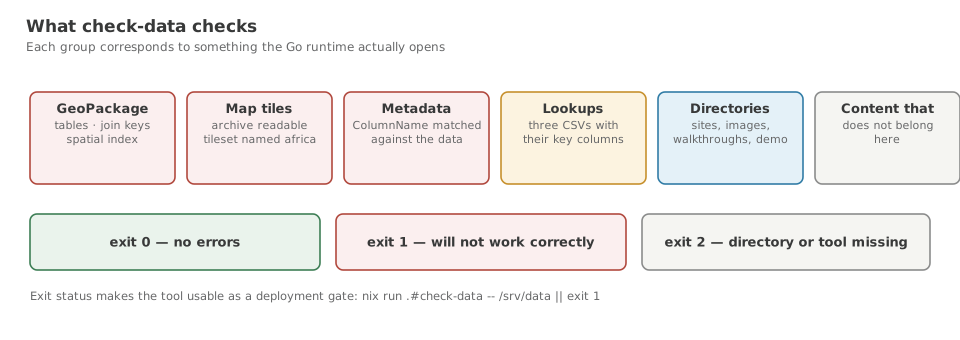
Validate a data directory before running anything against it:
Exit status 0 means no errors; 1 means the application will not work correctly.
Do not expose the API to an untrusted network yet
The application's HTTP API is unauthenticated, binds all interfaces, and includes destructive endpoints — POST /api/datapack/install deletes the data directory before extracting, and POST /api/dialog/open-file opens a window on the host desktop.
Until the hardening work is complete, run it on a trusted network or behind an authenticating proxy that denies /api/datapack/, /api/dialog/ and /api/executables/. See the API Guide for the full picture.